
Instructions to use strangerzonehf/Inkk with libraries, inference providers, notebooks, and local apps. Follow these links to get started.
- Libraries
- Diffusers
How to use strangerzonehf/Inkk with Diffusers:
pip install -U diffusers transformers accelerate
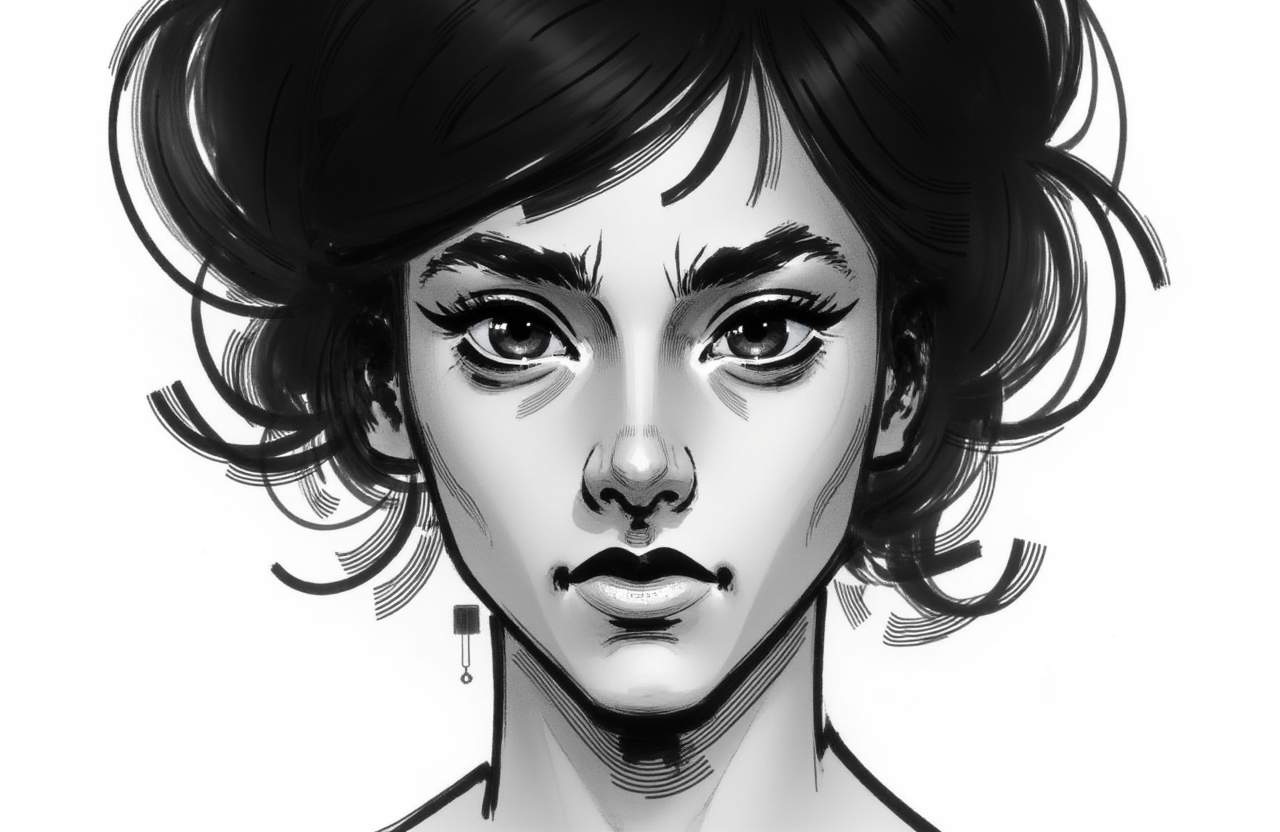
import torch from diffusers import DiffusionPipeline # switch to "mps" for apple devices pipe = DiffusionPipeline.from_pretrained("black-forest-labs/FLUX.1-dev", dtype=torch.bfloat16, device_map="cuda") pipe.load_lora_weights("strangerzonehf/Inkk") prompt = "Inkk, A black and white portrait of a womans face. The womans head is facing the left side of the frame. Her hair is cut in a bun. Her eyes are wide open. Her eyebrows are black and her lips are painted black. Her mouth is painted white. Her nose is black. She has a black microphone in her mouth. The background is white." image = pipe(prompt).images[0] - Inference
- Notebooks
- Google Colab
- Kaggle
- Local Apps Settings
- Draw Things
- DiffusionBee
Download images/1.png from strangerzonehf/Inkk: direct link, hf CLI and curl.
- Browser
- Download file 988 kB
-
https://huggingface.co/strangerzonehf/Inkk/resolve/main/images/1.png
- Command line
-
hf download hf://strangerzonehf/Inkk/images/1.png
-
curl -L -o 1.png https://huggingface.co/strangerzonehf/Inkk/resolve/main/images/1.png
988 kB

- Xet hash:
- db2ef589c00766e9f7de53a747493b0bcfebdc02df0d3b627d1ced0da6eb7b48
- Size of remote file:
- 988 kB
- SHA256:
- 67445ede11b154c2a9ba8d31ca44060d0d7093762a3b64e9bffcee3d474d02b3
·
Xet efficiently stores Large Files inside Git, intelligently splitting files into unique chunks and accelerating uploads and downloads. More info.