Instructions to use Remade-AI/Squish with libraries, inference providers, notebooks, and local apps. Follow these links to get started.
- Libraries
- Diffusers
How to use Remade-AI/Squish with Diffusers:
pip install -U diffusers transformers accelerate
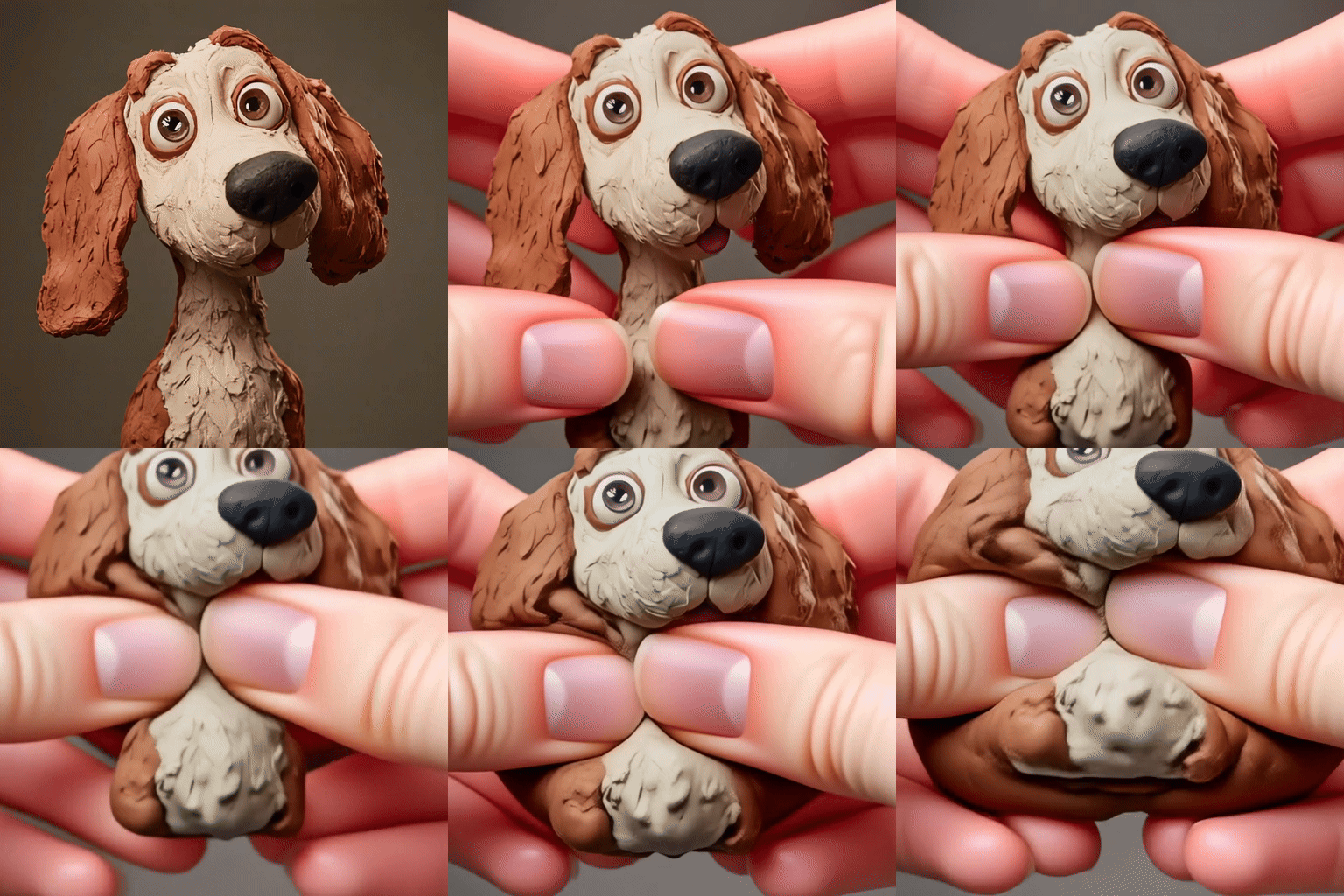
import torch from diffusers import DiffusionPipeline from diffusers.utils import load_image, export_to_video # switch to "mps" for apple devices pipe = DiffusionPipeline.from_pretrained("Wan-AI/Wan2.1-I2V-14B-480P-Diffusers", dtype=torch.bfloat16, device_map="cuda") pipe.load_lora_weights("Remade-AI/Squish") prompt = "In the video, a miniature dog is presented. The dog is held in a person's hands. The person then presses on the dog, causing a sq41sh squish effect. The person keeps pressing down on the dog, further showing the sq41sh squish effect." input_image = load_image("https://huggingface.co/datasets/huggingface/documentation-images/resolve/main/diffusers/guitar-man.png") output = pipe(image=input_image, prompt=prompt).frames[0] export_to_video(output, "output.mp4") - Inference
- Notebooks
- Google Colab
- Kaggle
- Local Apps Settings
- Draw Things
Download example_gifs/dog_squish.gif from Remade-AI/Squish: direct link, hf CLI and curl.
- Browser
- Download file 8.02 MB
-
https://huggingface.co/Remade-AI/Squish/resolve/main/example_gifs/dog_squish.gif
- Command line
-
hf download hf://Remade-AI/Squish/example_gifs/dog_squish.gif
-
curl -L -o dog_squish.gif https://huggingface.co/Remade-AI/Squish/resolve/main/example_gifs/dog_squish.gif
8.02 MB

- Xet hash:
- 32d4da2bc38f205c00584256a250e695a63a286ea54d2de7210164123591b30d
- Size of remote file:
- 8.02 MB
- SHA256:
- af9c7645eff69e0338b9491ec97f39373d05bf53559fa041d33fb45db3176f66
·
Xet efficiently stores Large Files inside Git, intelligently splitting files into unique chunks and accelerating uploads and downloads. More info.